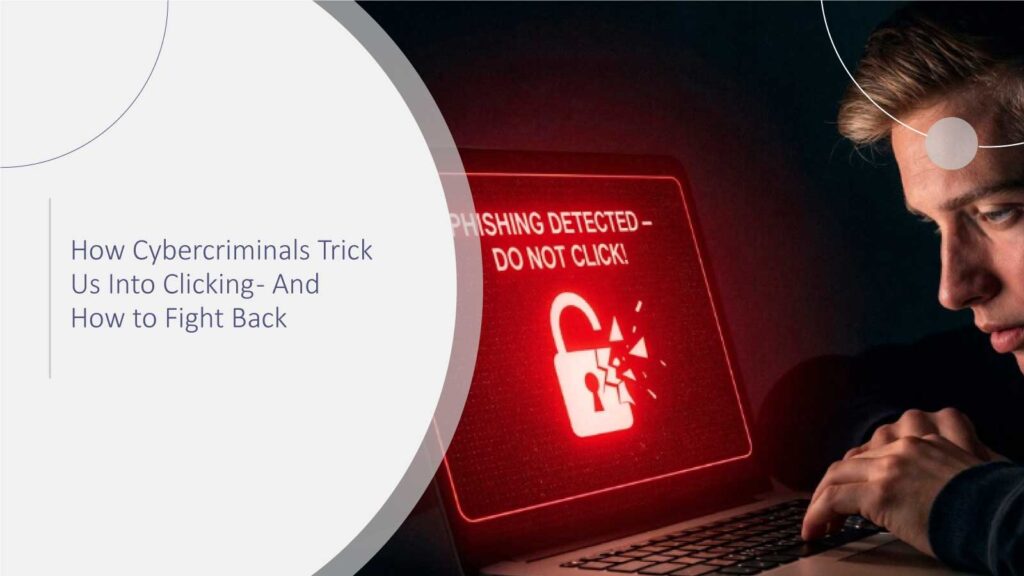
Cybercriminals have mastered the art of persuasion. Their messages land in our inboxes at the worst possible moment – right before a meeting, while we’re multitasking, or when we’re trying to clear unread notifications in a hurry. All it takes is a single click. And that split-second decision is exactly what attackers count on.
While cyber threats are evolving fast, one thing hasn’t changed: cybercriminals still rely on human reactions more than technical exploits. Understanding how they do it – and how to respond – is the smartest way to stay ahead.
The Digital Trap: Why That One Click Matters
If you’ve ever paused before clicking a suspicious link, you’re already on the right path. But the numbers show why that pause is so important:
- Over 90% of successful cyberattacks begin with phishing.
- IBM’s 2024 Cost of a Data Breach Report confirms that phishing remains the most expensive initial attack vector, averaging USD 4.76 million per breach.
- About 75% of all attacks start with an email, even when advanced tools are in place.
- Phishing-based data breaches cost companies an average of $4.88 million.
- Attackers now use AI-generated, polished emails that mimic real brands with high accuracy.
- Cybercriminals can send personalized phishing at a massive scale using automation, making attacks harder to spot.
Numbers like these make one thing clear: Cybercriminals no longer rely on broken grammar or shady promises. They’ve become excellent marketers – just with malicious intent. Gartner reports that 94% of security incidents start with human error – most commonly a user clicking a malicious link.
Why Cybercriminals Win: They Understand Human Behavior
Let’s be honest. Most of us don’t click because we’re careless. We click because we’re:
- Busy
- Distracted
- Trying to be helpful
- Trying to respond quickly
- Working through long lists of emails
Cybercriminals understand these moments better than we think.
A Relatable Example
Picture this:
You’re wrapping up a long workday. A message pops up:
“Hi, just checking – can you review this invoice before 6 PM?”
It appears to come from your finance team. Logo? Correct. Tone? Professional. Urgency? Reasonable. And because you’re already in work mode, you click.
This is the scenario cybercriminals design. Not dramatic. Not mysterious. Just ordinary enough to disarm us.
McKinsey’s security research notes that employees make over 130 digital decisions per day, creating frequent moments where cybercriminals can exploit split-second judgment.
The Tactics Cybercriminals Use to Capture Your Click
Attackers use simple, psychological triggers – urgency, trust, routine, curiosity, and pressure. When combined with modern tools, these tricks become extremely convincing. Gartner predicts that by 2026, 30% of inbound email threats will be AI-generated, making them harder to distinguish from legitimate communication.
Here are the most common methods you’ll encounter:
1. Spear Phishing That Looks Personal
Cybercriminals often imitate colleagues, vendors, or even managers. They mirror writing styles and use small personal details gathered from public sources.
They might ask for:
- Invoice approvals
- Login confirmations
- Document downloads
- Quick form reviews
These messages feel familiar and safe – which is what makes them dangerous.
Related Reading: Understanding Spear Phishing vs. Phishing: What You Need to Know
2. Spoofed Websites That Look Real
A malicious link might take you to a site that looks identical to a banking login page, a cloud storage dashboard, or a corporate portal. The domain might differ by a single letter – hardly noticeable at a glance.
If you enter your credentials even once, cybercriminals get full access.
3. Pop-Ups and Security Alerts
Fake warnings aren’t new, but today’s versions look surprisingly legitimate:
- “Your device is at risk.”
- “Your account will be locked.”
- “Update required.”
These often appear on compromised websites and lead to malware downloads or fake support lines.
4. Malicious Attachments Disguised as Routine Files
Cybercriminals know professionals work with PDFs, spreadsheets, and reports every day. That’s why attachments remain one of the most effective tools.
One opened file can silently install:
- spyware
- ransomware
- keyloggers
- remote access tools
5. AI-Enhanced Social Engineering
AI tools allow attackers to generate:
- flawless emails
- accurate brand replicas
- human-like conversation
- believable follow-up messages
What used to take attackers hours now takes seconds.
And that means more attempts – and more convincing ones.
According to Forrester, AI-powered phishing can increase click-through rates by up to 70% because it mimics real communication patterns.
Why Busy Professionals Click (And Why That’s Okay)
Forget the stereotype that only “unaware users” fall for phishing. Professionals – especially those handling approvals, confidential documents, or vendor communication – are top targets.
Cybercriminals know your routines:
- You scan emails.
- You’re trying to respond promptly.
- You’re juggling calls, messages, and deadlines.
- You trust internal communication.
This makes you efficient – and also exactly the kind of user attackers hope to catch off guard.
The goal isn’t to blame yourself. It’s to recognize how normal these moments are – and build habits that keep you safe.
How to Outsmart Cybercriminals (Without Extra Stress)
You don’t need advanced technical skills. You just need simple, repeatable habits supported by the right tools.
1. Slow the click – even for 3 seconds
A brief pause is your strongest defense.
Ask yourself:
- Was I expecting this email?
- Is the request urgent for no clear reason?
- Does the sender’s address look slightly off?
Those three seconds often reveal what you would have missed.
2. Verify outside the email
If something seems off – call, message, or walk over to the sender.
-
Avoid replying directly to the email.
-
Refrain from clicking any links included.
-
Do not open attachments from unverified sources.
A quick check can save hours of cleanup.
3. Use MFA everywhere
Even if cybercriminals capture your password, multi-factor authentication blocks access. It adds a safety barrier most attackers can’t get past.
4. Keep software updated
Updated browsers, security tools, and email filters block many attacks before they even reach you.
Modern threat protection can identify suspicious domains, risky attachments, and impersonation attempts faster than humans can.
5. Train your instincts regularly
Cybercriminal tactics evolve constantly. Staying informed helps you spot new methods before they become widespread.
This doesn’t mean endless training sessions. Even short, occasional refreshers can make your instincts sharper.
A Smarter Way Forward
The truth is, cybercriminals are not just hacking systems – they’re hacking people. They analyze behavior patterns. They observe communication styles. They adapt their methods to look credible and trustworthy.
But once you know what they’re looking for, the advantage shifts back to you.
- You know how phishing looks.
- You know what red flags feel like.
- You know that a “quick review” or “urgent approval” isn’t always real.
You don’t have to live in fear of clicking. You simply need awareness, habits, and a little vigilance – and the threats suddenly become much smaller.
What You Should Remember
- Cybercriminals rely on social engineering, not technical complexity.
- Most attacks start with a simple click, often disguised as normal work communication.
- AI makes phishing more convincing, so relying only on instinct isn’t enough.
- MFA, verification habits, and up-to-date tools significantly reduce risk.
- A short pause before clicking is one of the most effective cybersecurity practices.
Conclusion
Cybercriminals succeed when we rush, trust too quickly, or skip small checks in our daily workflow. Their tactics are smart, but awareness is smarter. A brief pause before clicking, a habit of verifying requests, and the use of simple security tools create a strong line of defense. With clear thinking and consistent digital hygiene, you stay in control. Cybercriminals rely on speed and distraction – and you beat them by staying one thoughtful step ahead.
FAQs
1. How do cybercriminals choose their targets?
Cybercriminals often target users who handle approvals, payments, or confidential information. They gather publicly available details and design messages that look routine.
2. Are phishing attacks still the most common method used today?
Yes. Email-based attacks remain the easiest and fastest way for cybercriminals to gain access to accounts, systems, or sensitive data.
3. What’s one sign that an email might be suspicious?
Anything unexpected – a sudden request, an unfamiliar sender, or a message urging quick action – should make you pause and verify.
4. Should I avoid clicking links altogether?
No, but it’s safer to type the website address manually or use saved bookmarks for important sites instead of relying on links in emails.
5. How can organizations reduce accidental clicks?
Strong verification habits, regular awareness training, MFA, and updated security tools help employees navigate emails more confidently and safely.
Don’t let cyberattacks catch you off guard – discover expert analysis and real-world CyberTech strategies at CyberTechnology Insights.
To participate in upcoming interviews, please reach out to our CyberTech Media Room at info@intentamplify.com.
🔒 Login or Register to continue reading